PowerGrade + LUTs · Apple Log
AQUA PG
by Marco
- One PowerGrade for DaVinci Resolve, 19 nodes, already wired
- Apple Log base LUTs and four DCTLs that do the conversion
- A tutorial and a setup card. Read it and you're 80 percent there
- Rec.709 timeline. No wide gamut, no colour management, no output transform
- Free updates. Every revision by email, no charge
Stripe checkout, card or Apple Pay. Download link by email within a minute. Works in Resolve free and Studio, version 18 or later.
Correct white balance. Correct tint. Good exposure.
When those three are right, AQUA PG looks exactly how it should. When something looks off, it is almost always node 02.
Easy to use
You don't need to be technical.
Rec.709 timeline. No wide gamut, no colour management, no output transform. Drop the PowerGrade on your clip and grade from there.
- 01Shoot it rightApple Log, white balance lockedWater eats red first. Most fixes are white balance and tint, so lock it before you dive.
- 02Install onceLUTs, DCTLs, PowerGradeApple LUTs into Resolve's LUT folder. Four DCTLs into the DCTL folder, then restart. Gallery, PowerGrades, Import, AQUA PG.drx.
- 03Drop it onDrag AQUA PG onto the clipProject settings: DaVinci YRGB, Rec.709 Gamma 2.4. AQUA PG converts the log itself.
- 04Then gradeOnly touch node 02Temp, tint, exposure. Everything else is built to be left alone.
Exposure first, then tint, then temp, then saturation.
Effortless results
Same clip. Same water. Slide to compare.
Drag the handle. Left of the line is the Apple Log file straight off the iPhone. Right of it is AQUA PG with node 02 balanced and nothing else touched. Six frames, one grade.
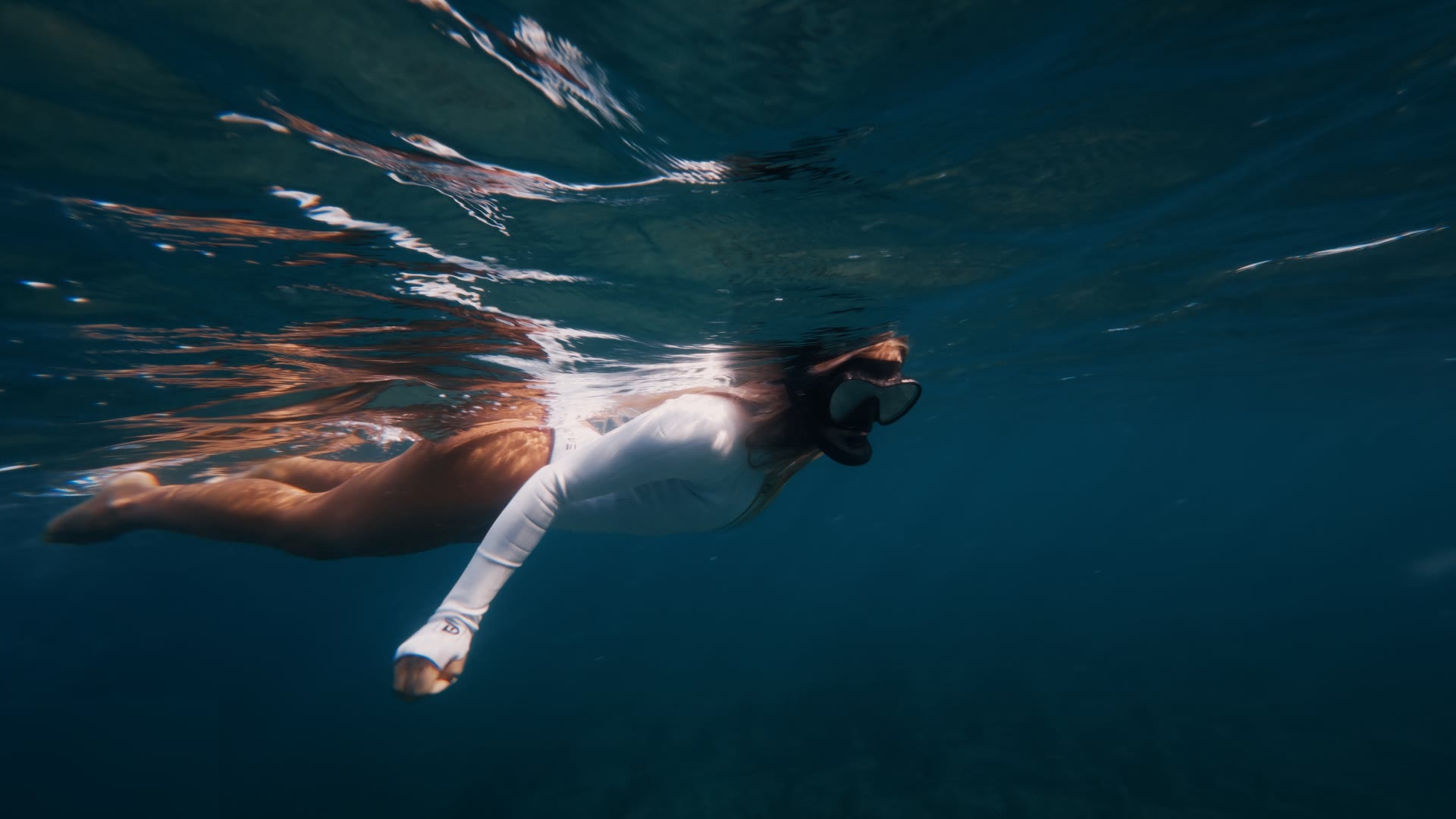
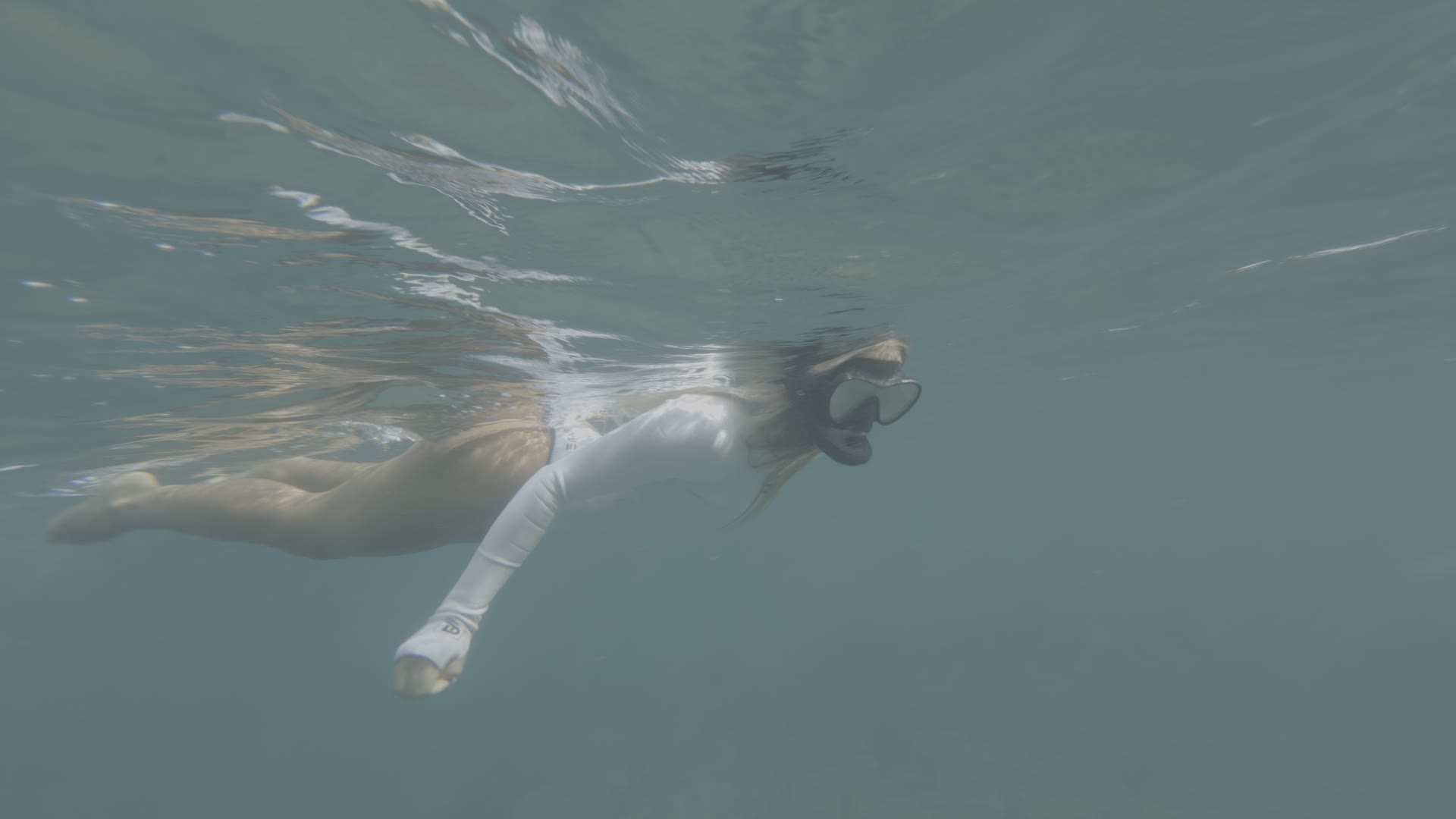
Shallow water, midday sun, skin near the surface.
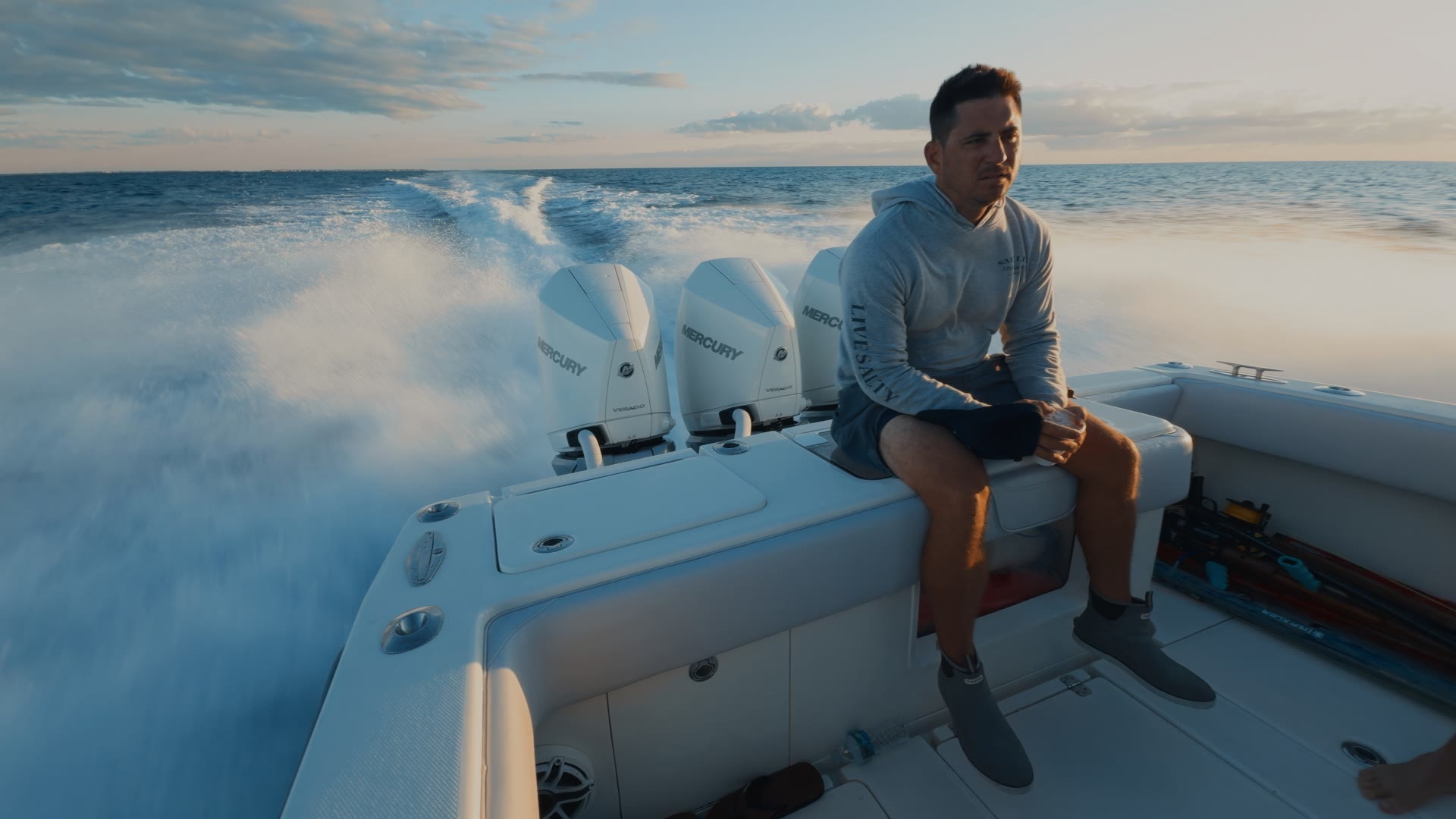
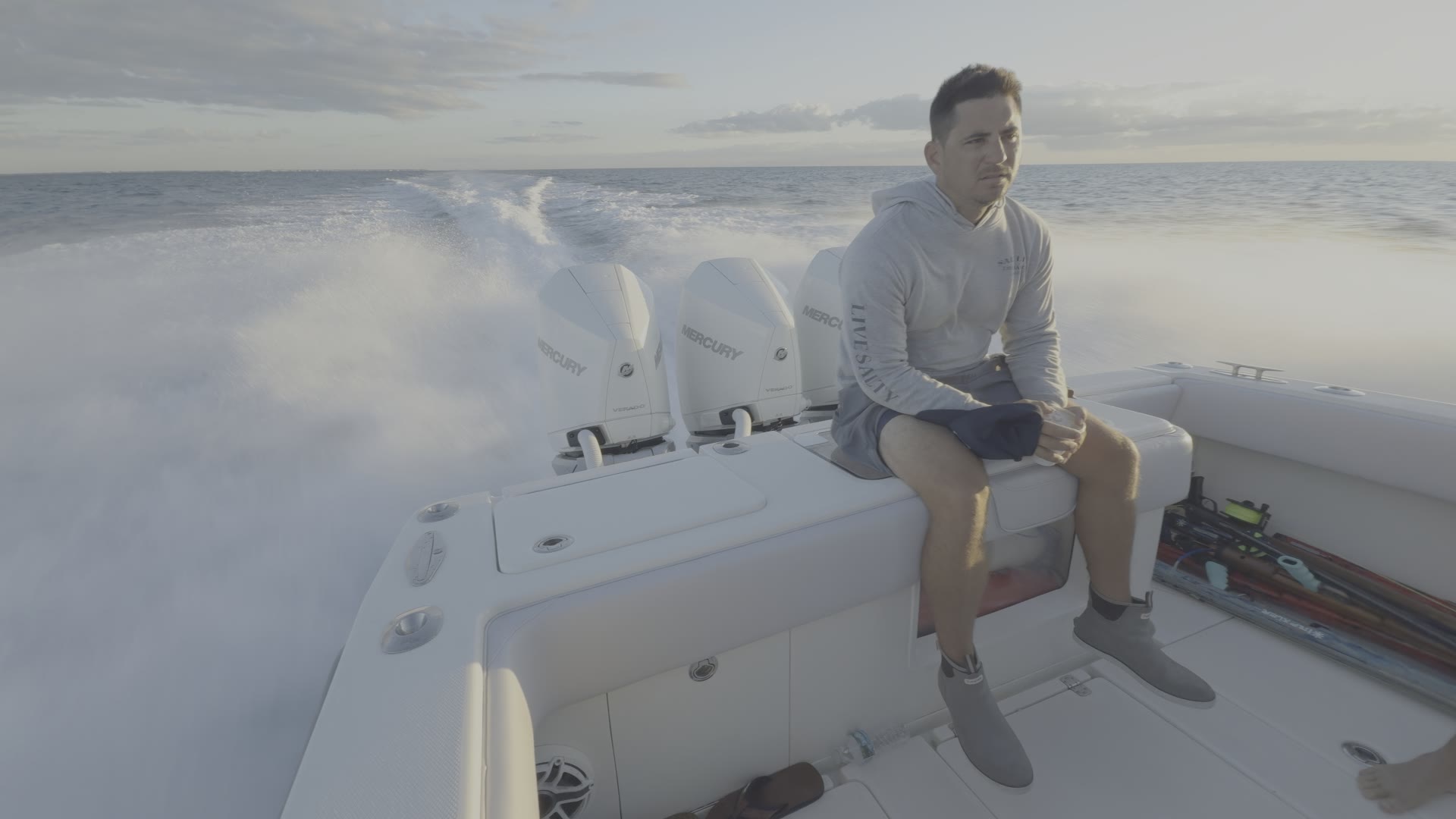
Above water too. Sky, spray and skin from the same node tree.
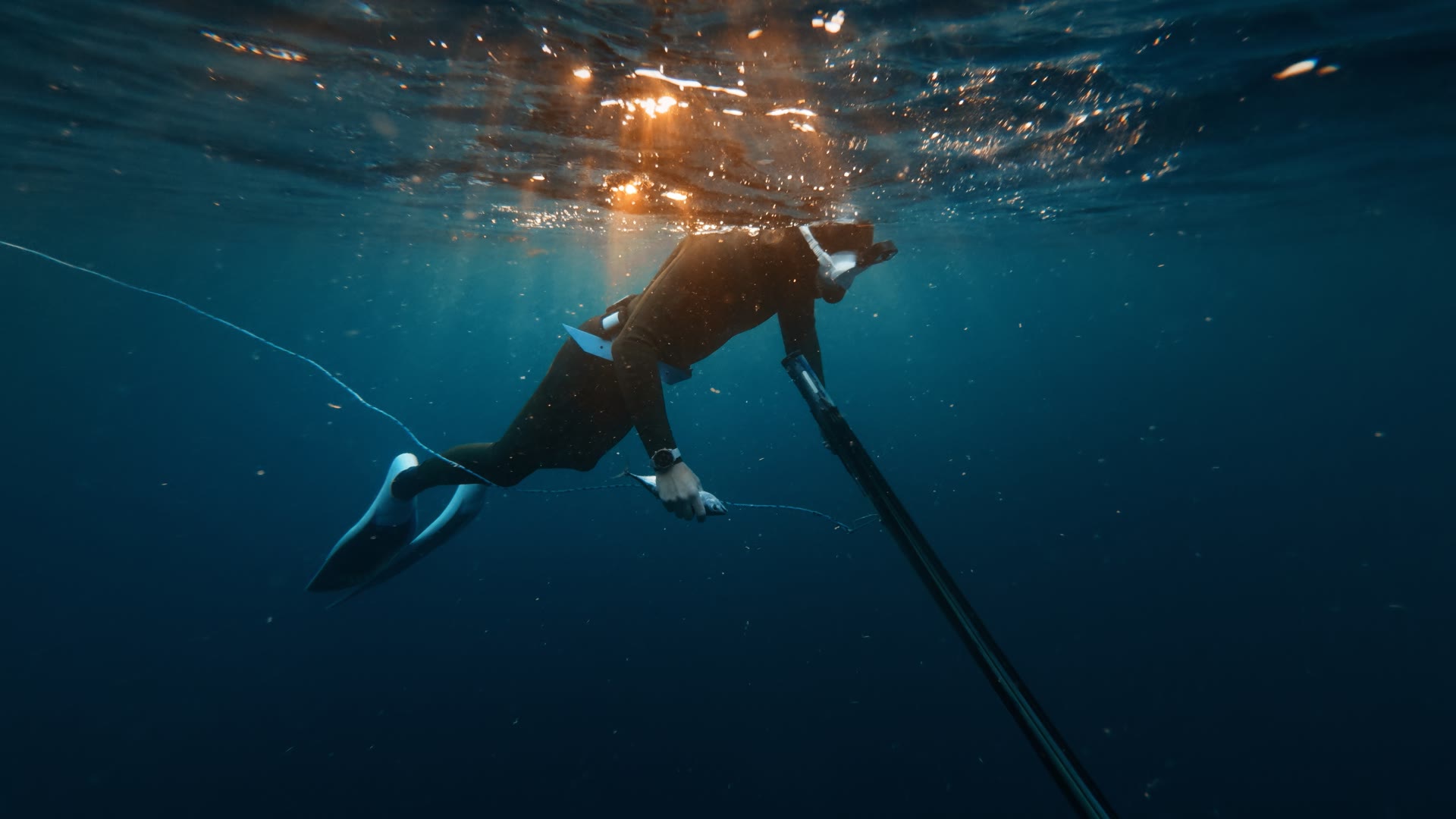
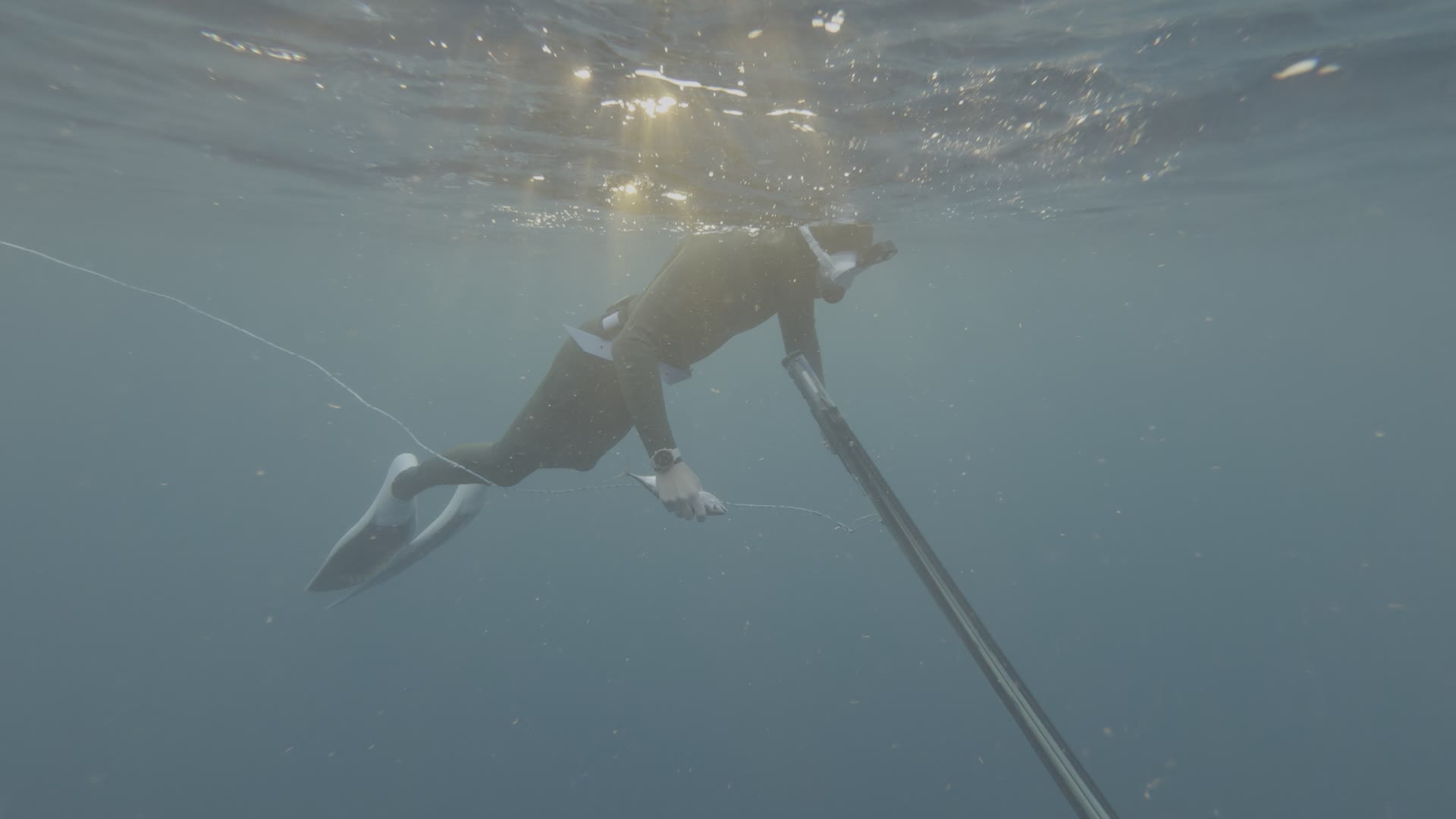
Deep blue holds while skin and the fish stay warm.
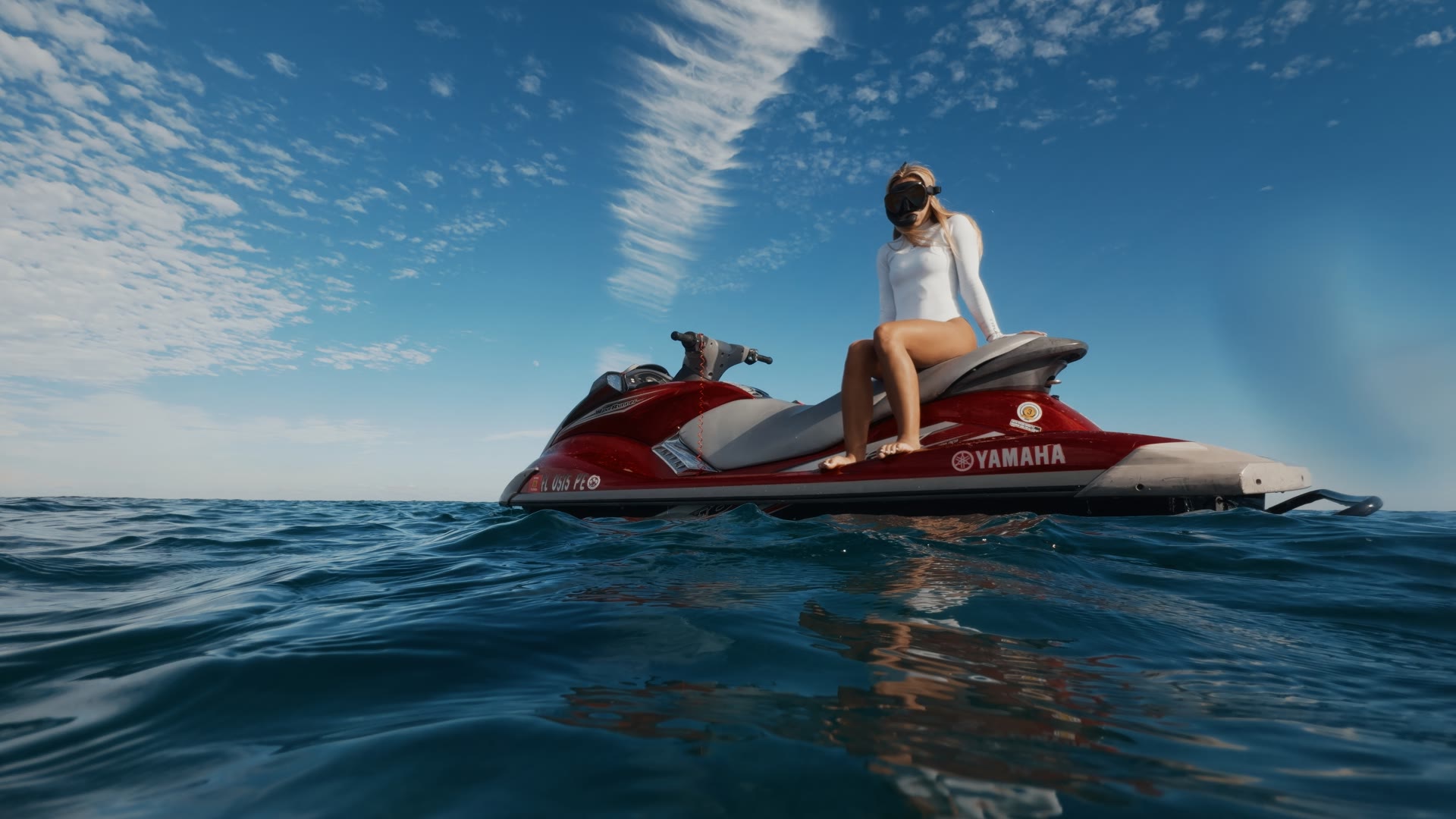
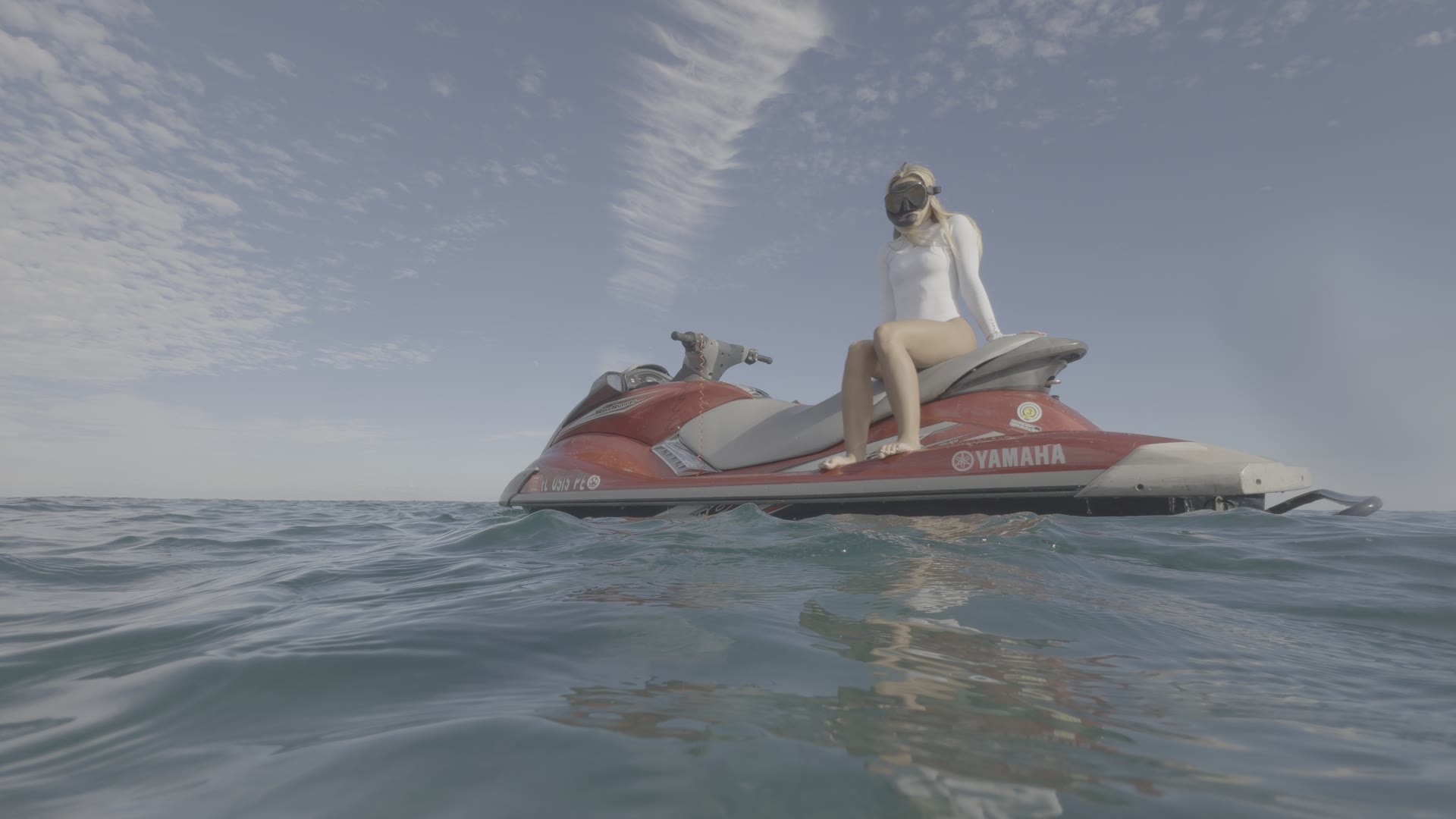
Bright sun on white and red, nothing clipped.
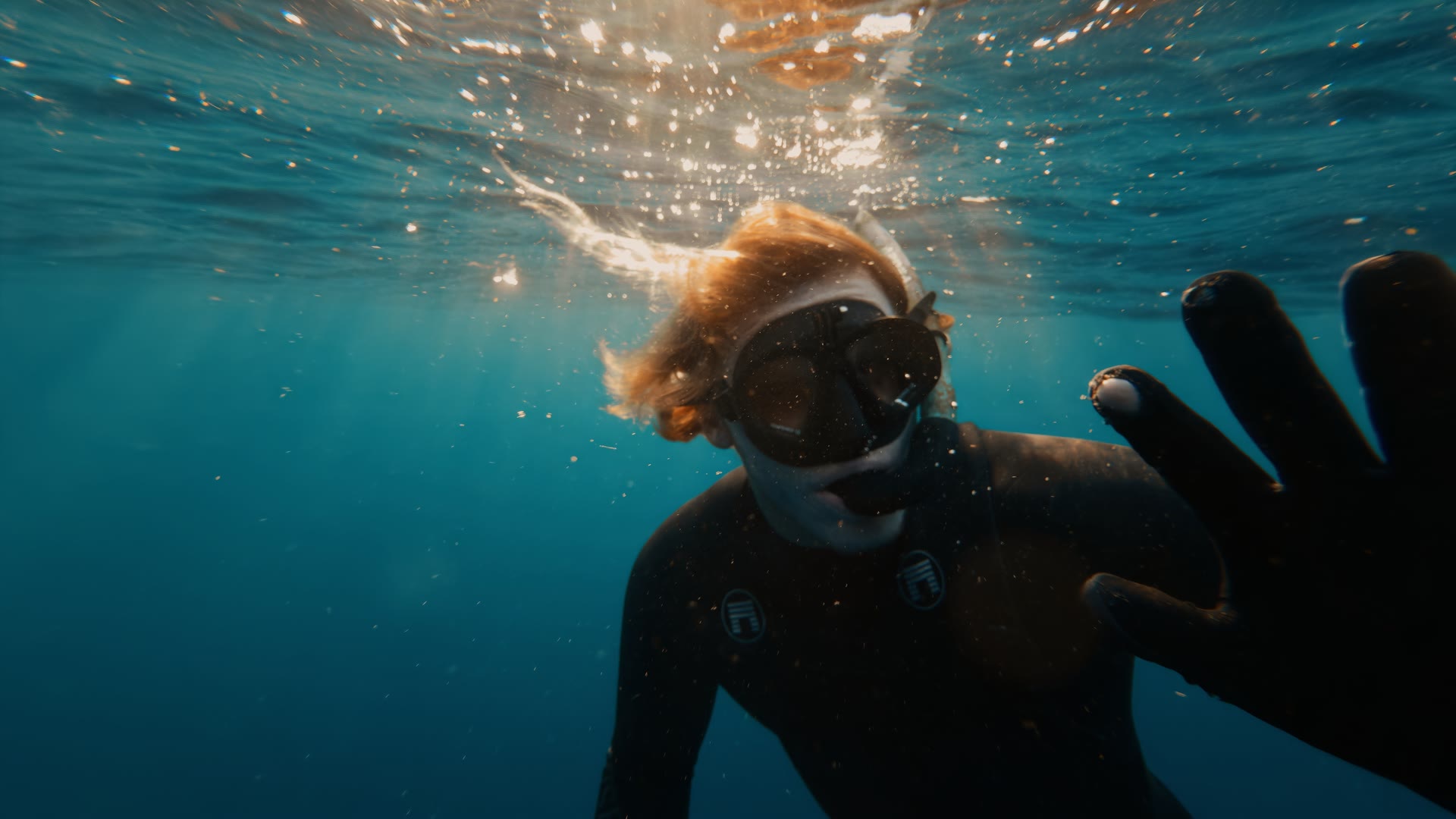
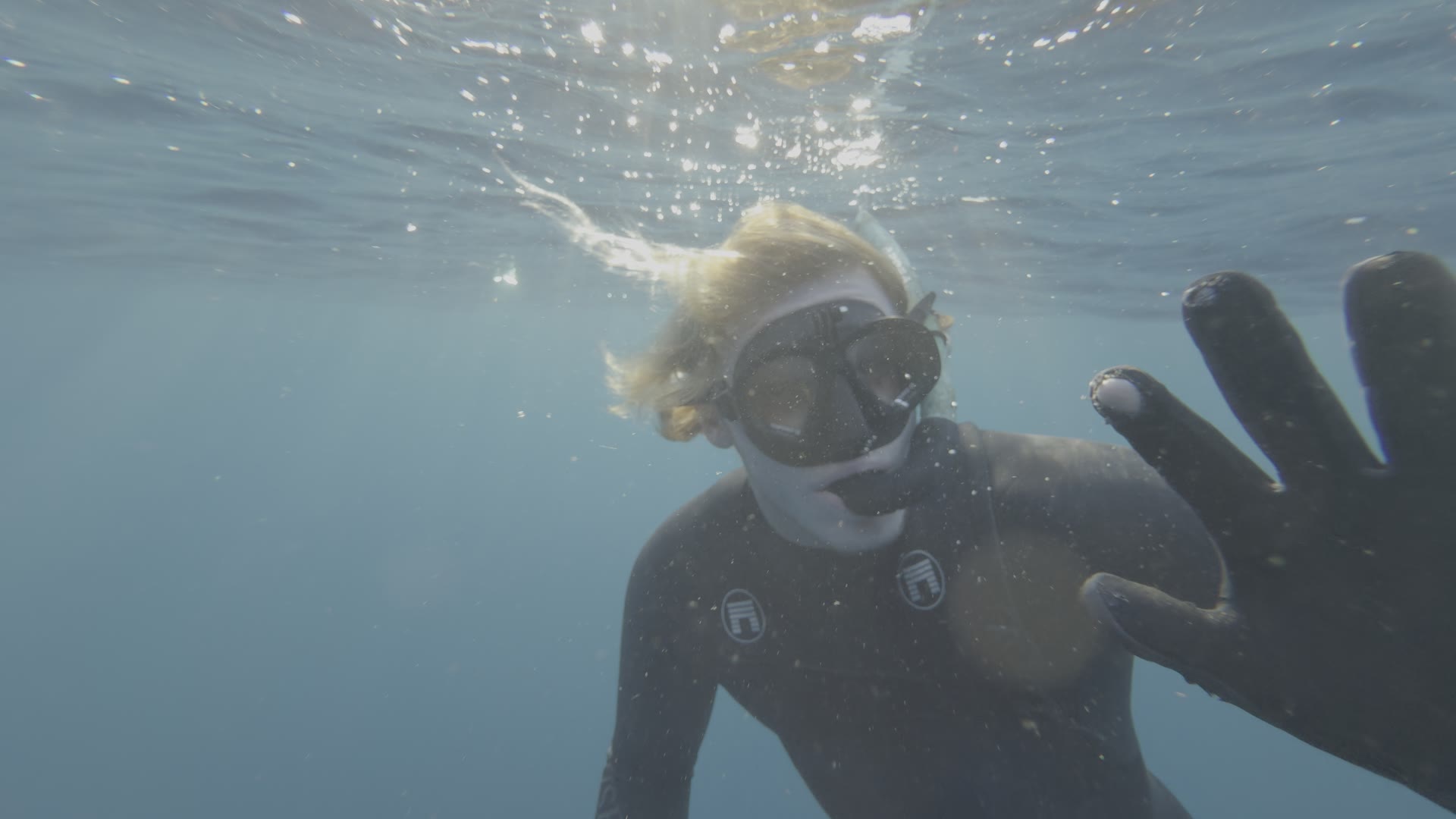
Backlit at the surface. The sun stays warm, the water stays teal.
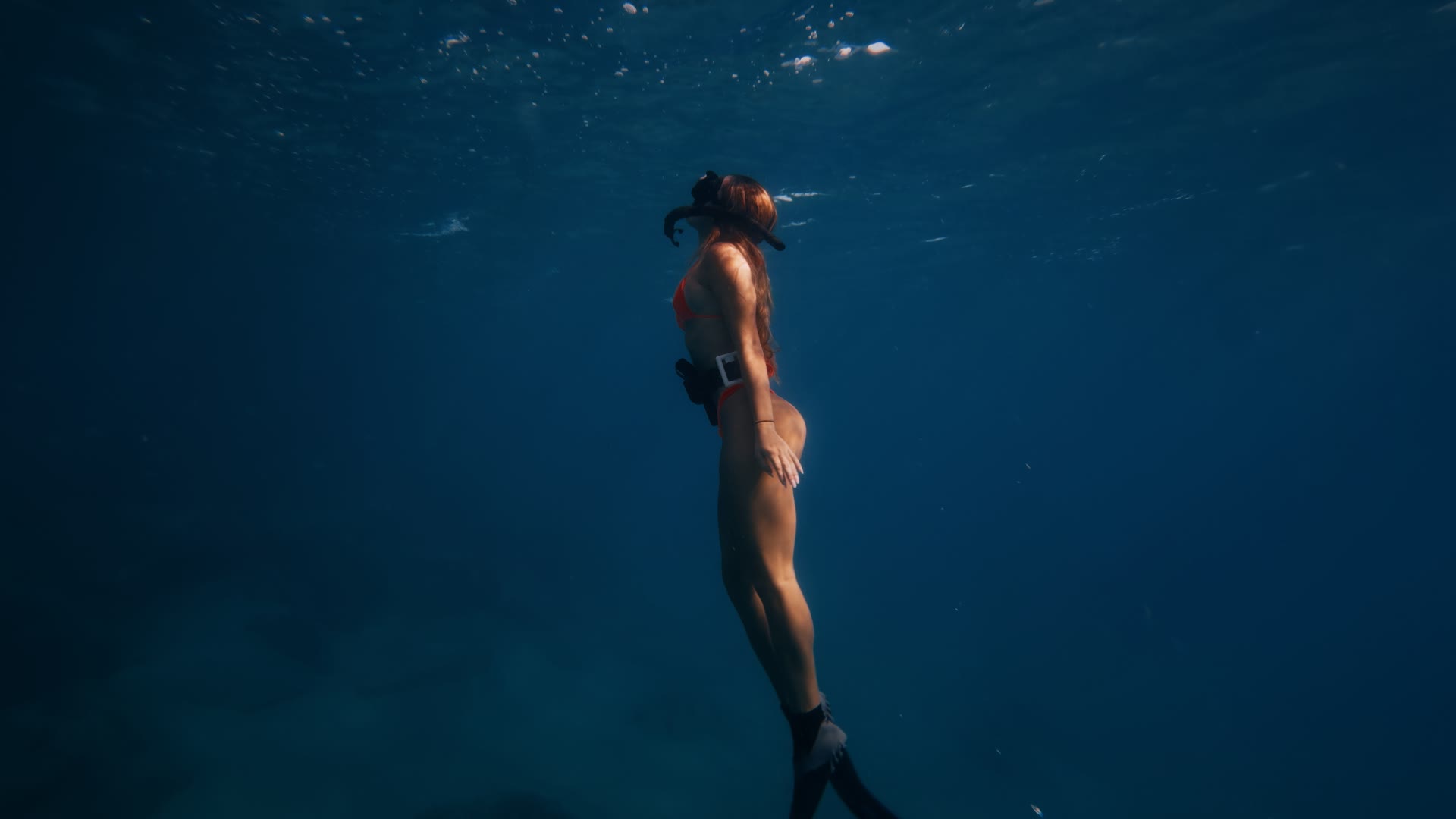
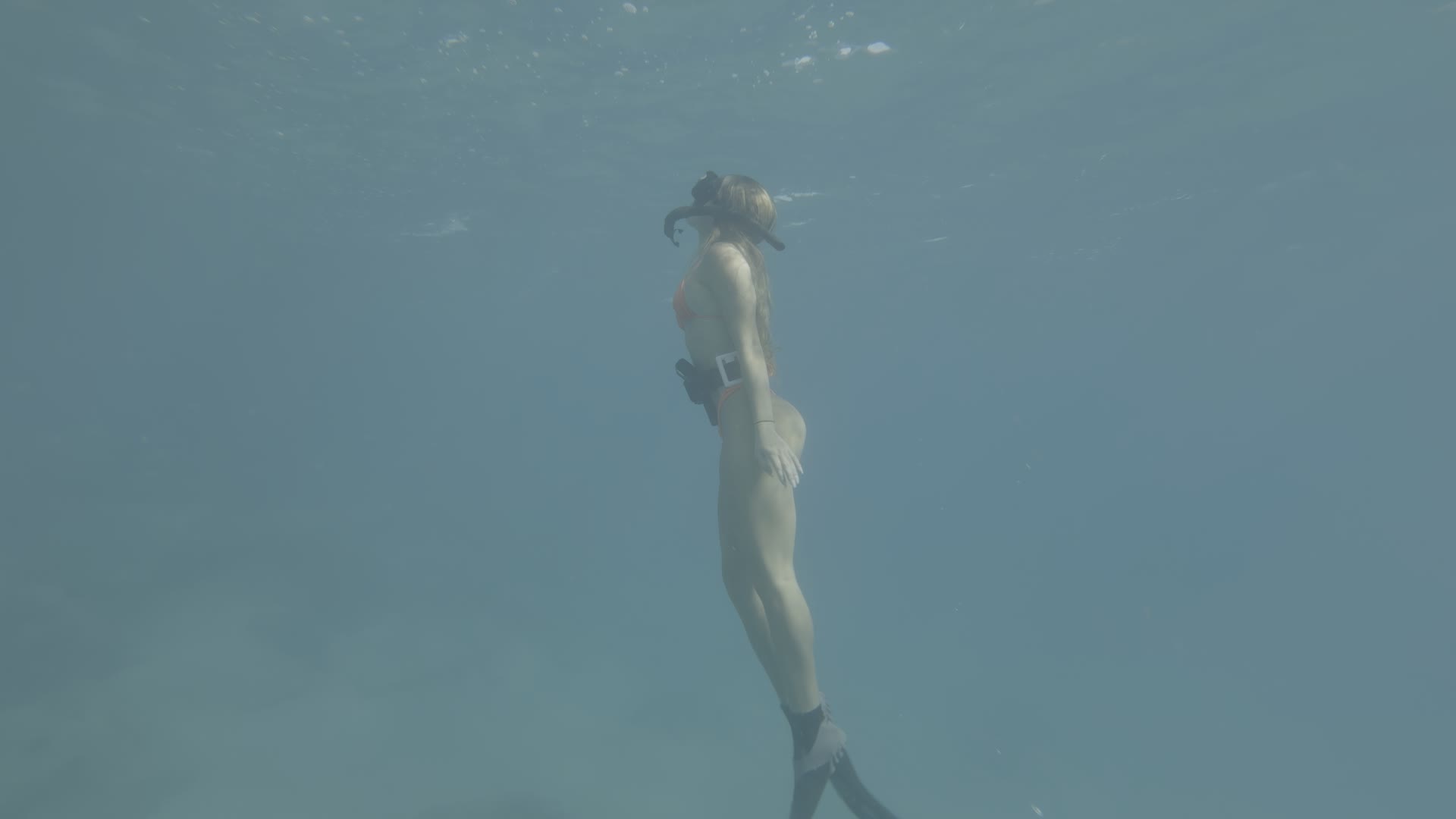
Deeper and darker. The blue goes rich instead of muddy.
The three fixes · Node 02
Too green. Too orange. Too dark.
Everything a dive throws at you, and the one move for each.
Too green
Tint right toward magenta, small steps.
Shallow water and midday sun push green. Two or three points is usually enough.
Too orange
Temp left toward blue, a few points.
Happens when the phone locked warm on the boat before you went under.
Too dark
Offset up until skin sits near 65 percent.
Read it on the waveform. The teal holds, the skin comes back.
Exposure first, then tint, then temp, then saturation.
Under the hood
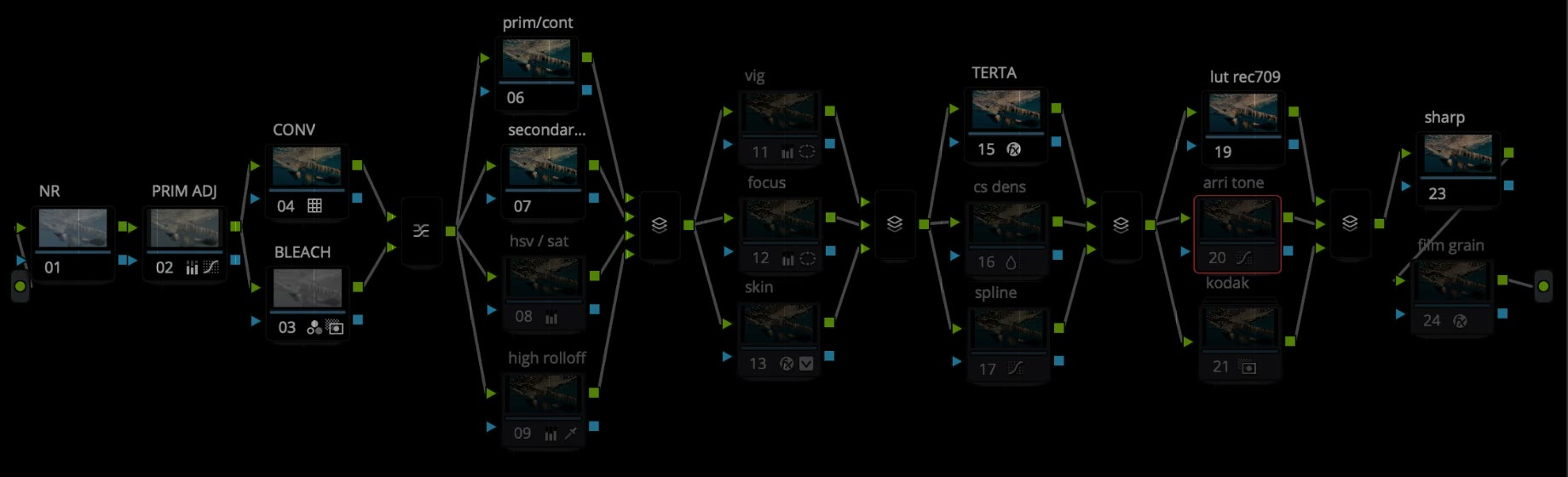
19 nodes. You touch one.
The tree is built so the conversion, the look and the protection are separate. If a node turns red after install, the LUT folder or the DCTLs are missing.
Built by a working cinematographer
Not a preset shop. One person, one grade at a time.
I shoot mostly on Sony, have worked on RED, and do the shooting, editing and color myself in DaVinci Resolve. Two feature films, a lot of commercial work, often in remote places.
AQUA PG exists because I kept diving with an iPhone and kept hating how the footage looked out of the camera. It was built on my own clips, in real water, and it ships the way I use it.
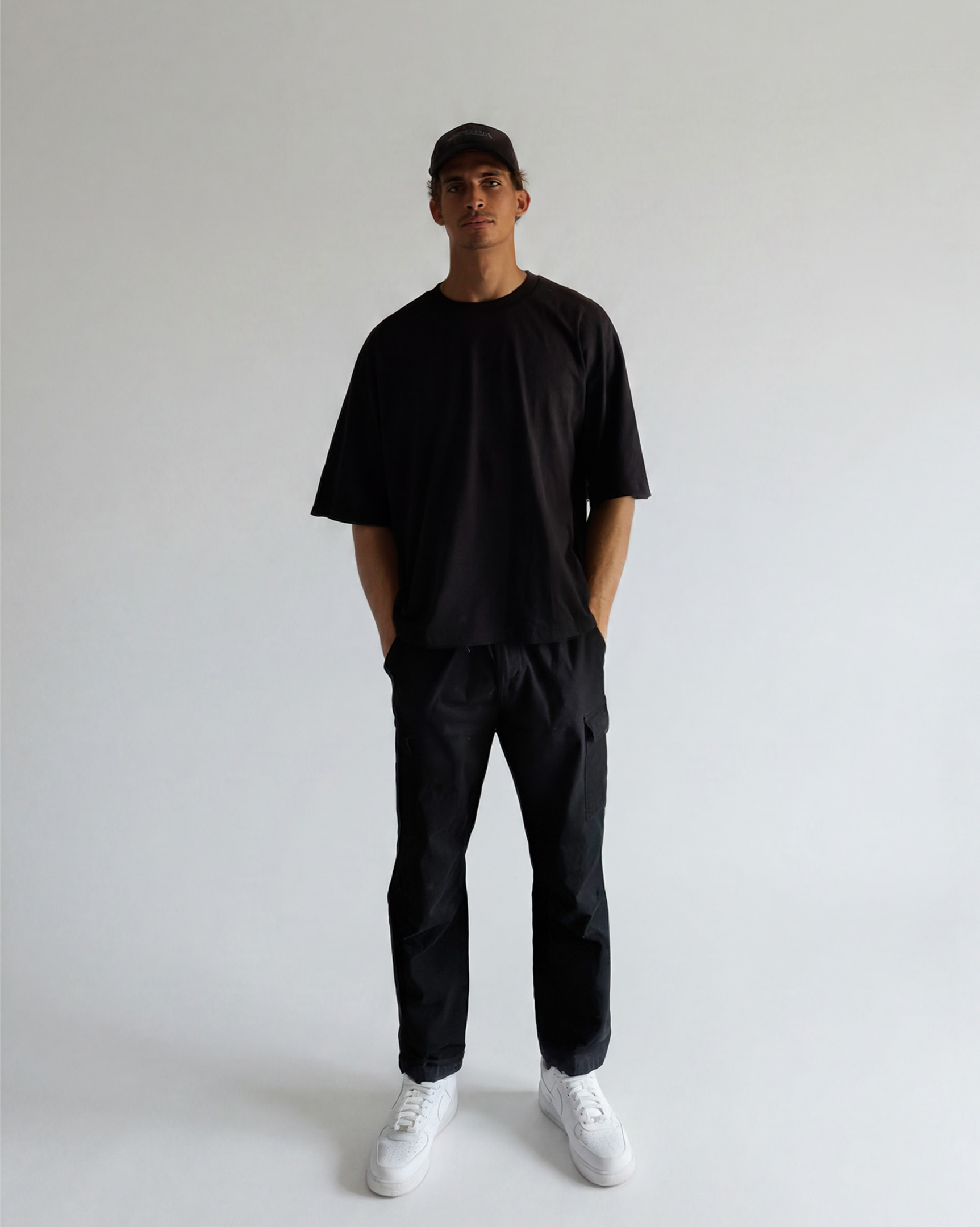
Marco ArcelinEditor in Chief, Altitude Theory · @marcofilmsalot
Before you buy
Questions
Anything not answered here, email or DM @marcofilmsalot. Replies usually the same day.
What exactly is included in this pack?
One PowerGrade (.drx), the Apple Log base LUTs (.cube), four DCTLs that handle the conversion, a video tutorial, and a setup card with install steps and the three fixes. Free updates for life.
Do I need the paid version of DaVinci Resolve?
No. PowerGrades, LUTs and DCTLs all load in the free version. Resolve 18 or later on Mac or Windows.
Is it compatible with my footage?
AQUA PG is built for iPhone Apple Log, from the iPhone 15 Pro onward, and it is tuned for water. It converts the log inside the grade, so your project stays Rec.709 Gamma 2.4. It is not meant for footage already graded to Rec.709, and Apple Log 2 support ships in a coming update.
How do I install and use it?
Copy the LUTs into Resolve's LUT folder and the DCTLs into the DCTL folder, restart Resolve, then import AQUA PG.drx into a PowerGrade album in the gallery. Set the project to DaVinci YRGB and Rec.709 Gamma 2.4, drag the grade onto a clip, and adjust node 02. The tutorial shows every step.
Can I get a refund?
These are digital files delivered instantly, so refunds are not offered once downloaded. If something does not load or a node turns red after a correct install, email and it gets fixed or replaced.